Your input shapes our product. Suggest a feature now →
New · Now includes Recycle Master

SharePoint migration & management, finally simple.

Copy SharePoint lists, libraries and files across sites or tenants. Search and restore from the SharePoint Recycling Bin. Trim old file versions to save storage. One Windows app, zero PowerShell.

✓ No credit card ✓ Runs locally on Windows ✓ Trusted since 2014
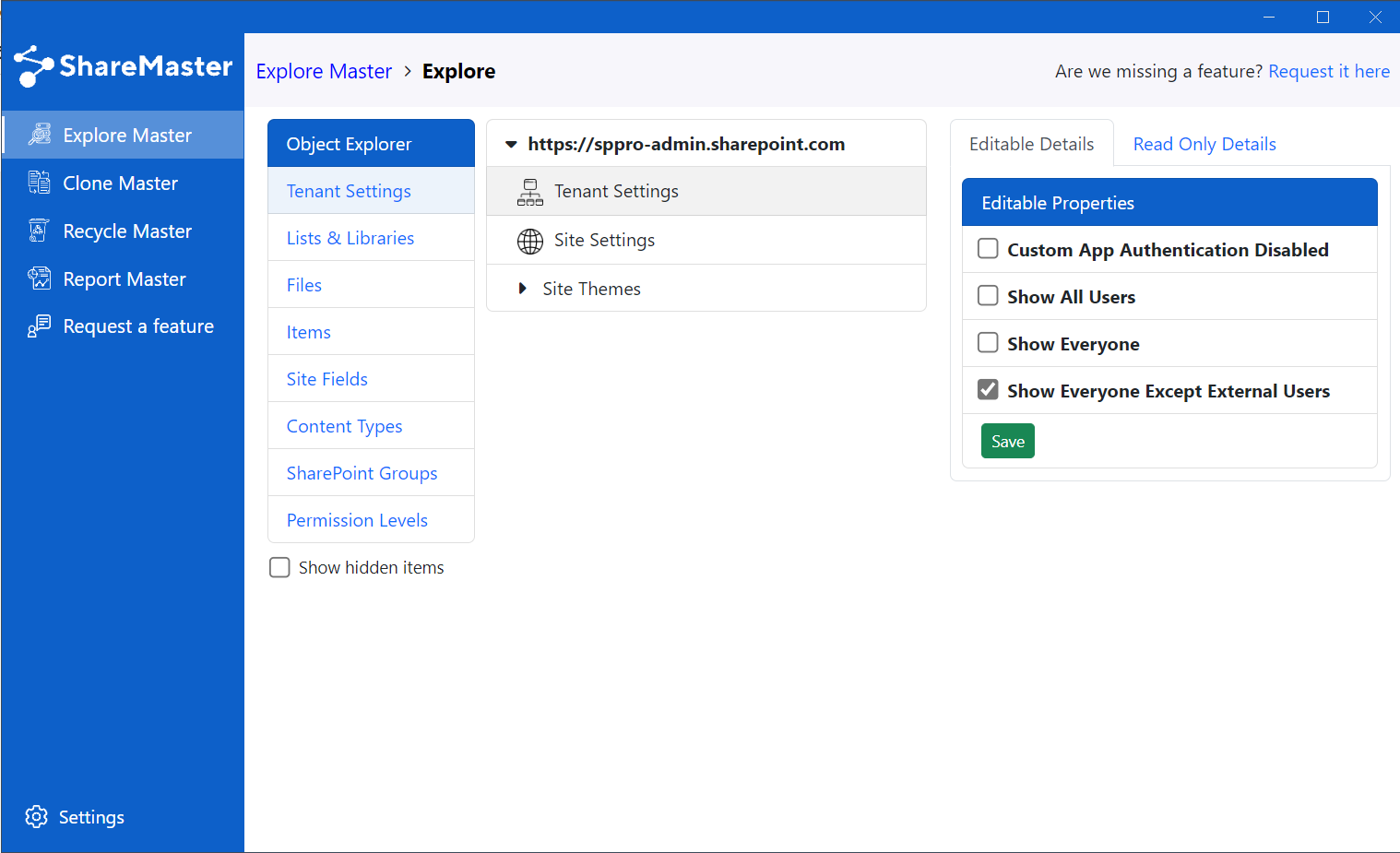
ShareMaster – SharePoint Migration & Management app UI
Built for IT admins

Forget PowerShell. Click, don't script.

Refresh your SharePoint environment with clicks — not scripts. ShareMaster runs locally on your Windows machine, so your data and credentials never touch our servers.

Clone Master

Migrate SharePoint, with fidelity

Copy entire sites, document libraries and lists across SharePoint Online tenants. Replicate views, lookups, JSON formatting, metadata and permissions — without losing structure.

  • Copy lists, libraries, files, fields and views
  • Move between SharePoint Online tenants
  • Preserve metadata, lookups and permissions
  • Preview and run jobs without leaving the app
Read about Clone Master
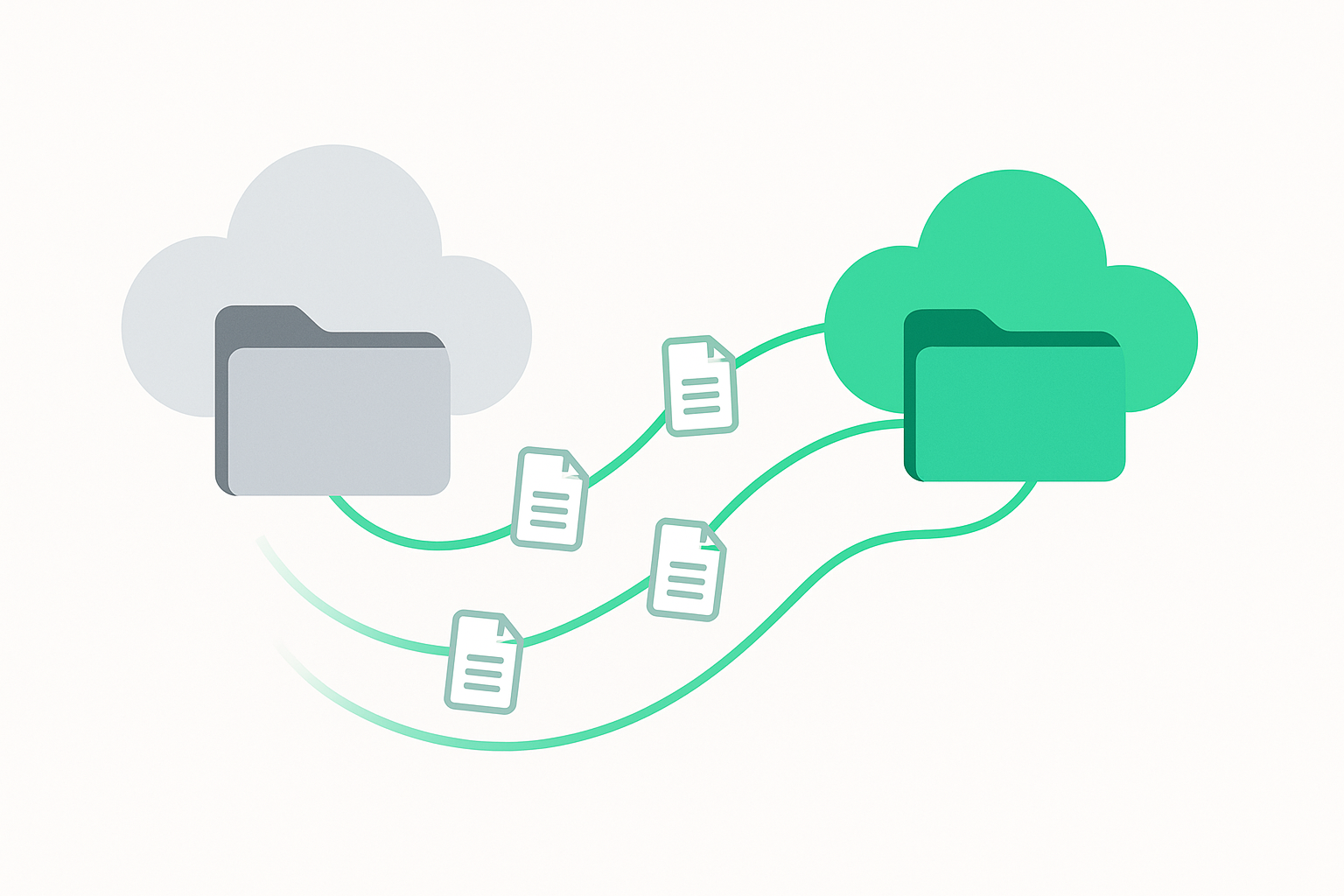
Clone Master copying SharePoint content between sites
Recycle Master

Find anything you deleted

SharePoint's default bin is an endless scroll. Recycle Master adds proper search with filters by title, location, list ID, author, deleted-by, type and date — plus bulk restore at scale.

  • Search by title, author, list ID and more
  • One-click restore or bulk restore
  • Tenant-wide bulk Recycling Bin clear
  • Filter by date ranges and item type
Read about Recycle Master
Recycle Master search and bulk restore UI
Space Master

Reclaim gigabytes of storage

Every save in SharePoint creates a new version. Space Master trims older versions on a retention policy you control — keep the latest, reclaim the rest.

  • Trim by version count, age or both
  • Exclude recently modified files
  • Preview impact before running
  • Run in safe batches at scale
Read about the Version Trimmer
Space Master version trimming options
How it works

Three steps to copy SharePoint lists & libraries

You're connected to SharePoint and copying in under a minute.

1. Connect

Connect to SharePoint directly from the app — securely, on your device. No cloud service in the middle.

2. Select

Pick the document library or list to copy, including views, metadata and lookups.

3. Run

Run the job to copy the SharePoint list or library to your target site or tenant.

See it in action

Watch ShareMaster do real work

Short, no-fluff demos. No music, no narration — just the app doing its job.

Copy whole sites

Migrate SharePoint Online sites and copy files, lists and libraries with ease.

Copy lists with lookups

Replicate structures, views and lookups — copy SharePoint lists with confidence.

Trim versions, save storage

Remove older SharePoint versions and reclaim storage safely.

FAQ

Answers to common questions

Can't find what you're after? Ask us directly.

What can ShareMaster do?
ShareMaster helps you copy whole SharePoint Online sites; copy SharePoint lists and document libraries (including views, metadata and lookups); copy files across sites and tenants; search and restore from the SharePoint Recycling Bin; clear Recycling Bins in bulk; automatically trim old file versions to save SharePoint storage; reset file versions back to 1; update list and library settings in bulk; run reports on content, versions and storage; and more for SharePoint migration and management.
How do I copy SharePoint lists or libraries?
It takes three steps: Connect to SharePoint from the app, select the document library or list (including views, fields and lookups), and run the job to copy to the target site or tenant.
Can ShareMaster save SharePoint storage?
Yes. The Version Trimmer removes older file versions using retention and date rules so you can reduce SharePoint storage while keeping the latest copy.
How is ShareMaster's Recycling Bin better than default SharePoint?
ShareMaster adds true search to the SharePoint Recycling Bin. Filter by title, original location, list ID, author, deleted by, type and date, then restore a single item or perform a bulk restore.
Can I clear Recycling Bins across my whole tenant?
Yes. You can bulk clear multiple SharePoint Recycling Bins tenant-wide in a single operation to reclaim space quickly.
Can I reset file versions back to 1?
Yes. ShareMaster lets you reset file version numbers back to 1 and clean up version history safely.
Does it preserve permissions, views and lookups when copying?
ShareMaster is designed for fidelity. It copies structures, views and lookup columns, and can replicate metadata and permissions as part of migrations.
Do SharePoint file versions count toward storage?
Yes. Every saved version consumes space in your SharePoint storage allocation; trimming older versions can recover significant capacity.
Can I keep recent versions but remove older ones?
Yes. Set a retention count (for example, keep the latest 10 versions) and automatically delete older versions.
Can I exclude recently modified files when trimming versions?
Yes. Apply date rules so files modified after a chosen date are ignored, or only remove versions older than a specific time window.
Is bulk version trimming safe?
You can preview the impact, use retention and date safeguards, and run in batches to safely trim versions at scale.
Can I copy SharePoint content between different tenants?
Yes. ShareMaster can copy SharePoint lists, document libraries and files between SharePoint Online tenants.
Can I copy list views and JSON view formatting?
Yes. You can replicate list and document library views and carry over associated configuration such as JSON view formatting.

Start your free 14-day trial

Migrate, recover and clean up your SharePoint environment today. No credit card required.